Discussions
Users can post comments on elements and write replies to other comments. Comments on an element are grouped together in a discussion.
To search for specific comments, the discussion search can be opened from the sidebar.
Add comments
Comments on the selected element are specified in the additional tab "Comments".
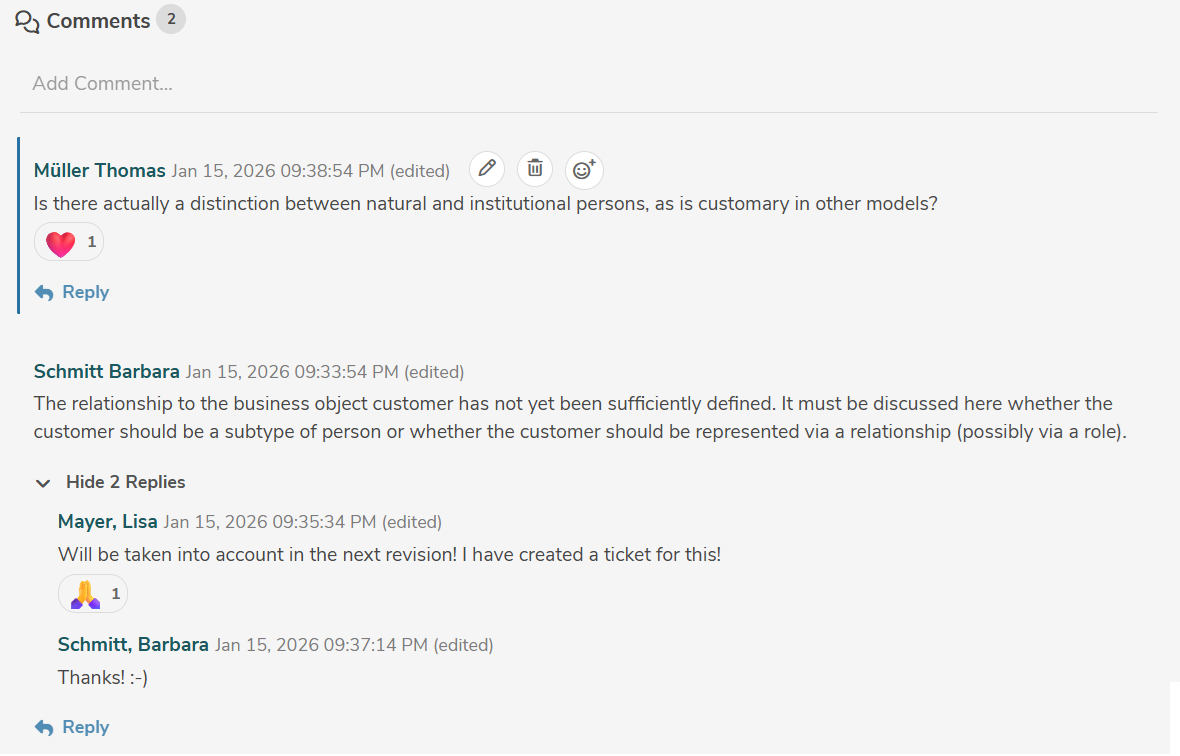
A new comment on the selected element is added by clicking in the area "Add Comment...".
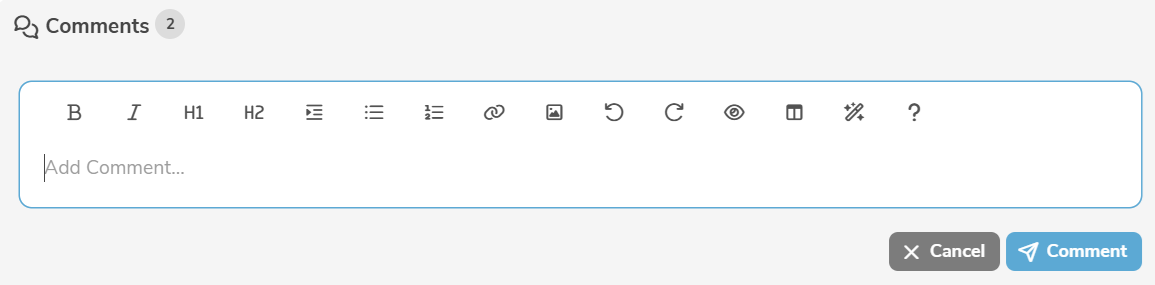
Comments can be entered with formatted text using Markdown.
Clicking "Comment" creates the comment.
By clicking on "Reply", it is possible to reply to an existing comment.
By clicking on  , it is possible to react to an existing comment with an emoji 🙂.
Edit comments
A comment is edited by clicking the edit icon next to the comment.
Users can edit and delete their own comments, but cannot edit or delete comments posted by others.
A user with the access level Administrator can delete comments posted by other users (but not edit them).
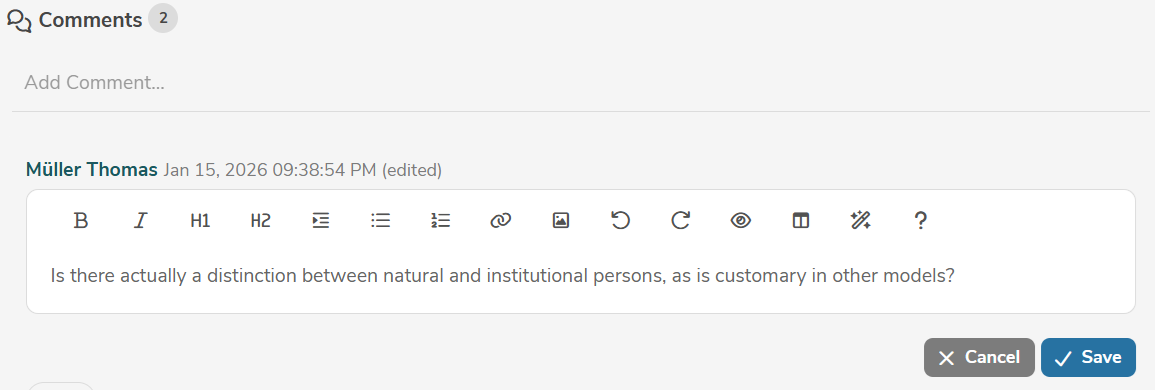
Clicking "Save" applies the changes.
A comment can be deleted by clicking the delete icon next to the comment.