Discussion search
The discussion search can be used to search for discussions. The discussion search can be opened from the sidebar.
Closed discussions, that are no longer displayed in the additional tab "Comments", can still be found using the discussion search.
Discussion search
To search for discussions, a search term can be entered in the search field.

The discussion search is implemented as a full-text search and searches the following discussion properties:
- Label of the associated asset
- Ticket number
The searched text is divided by separators (e.g. spaces, hyphens, and slashes). Only matches from the beginning of a word (i.e. after a separator) are found. Text within a word is not found.
The search results are displayed directly in the preview.
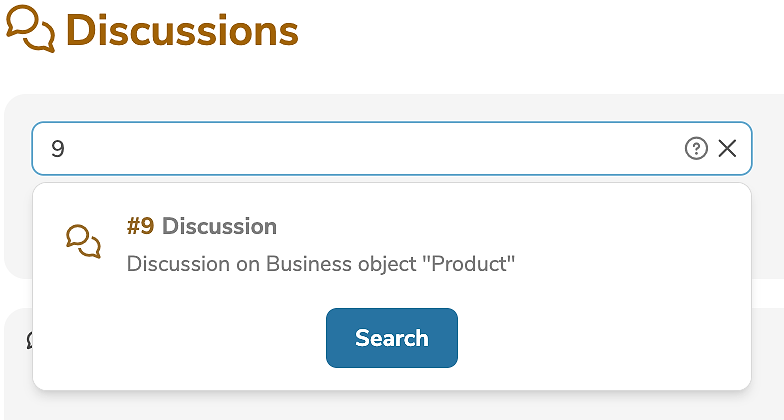
By clicking on the preview a found discussion can be opened. By clicking on "Search" all discussions found are displayed and can be browsed.
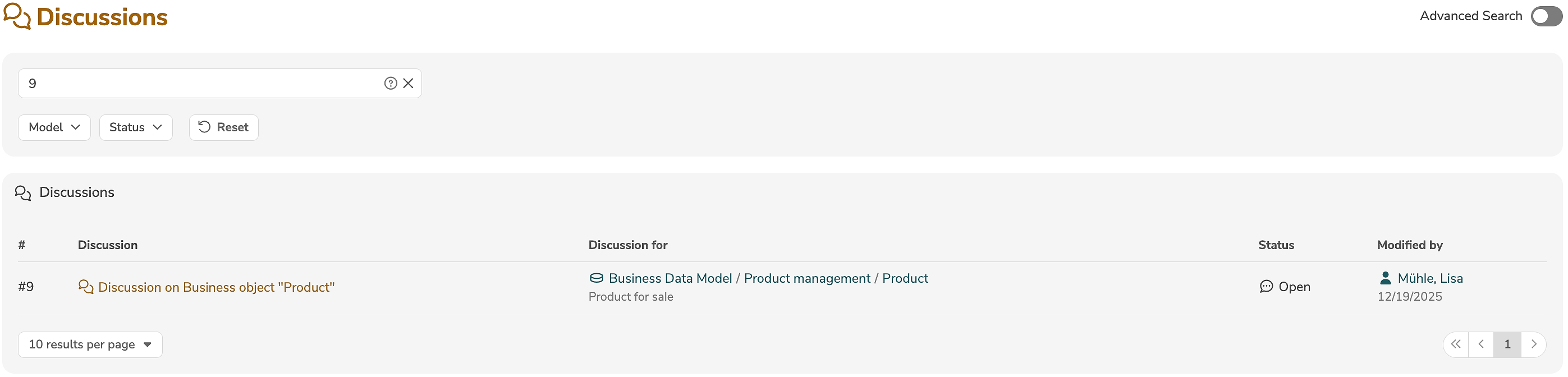
If no search term was entered in the search field, the following filters are applied without a full-text search (i.e. to all discussions).
Filters
In addition, the search results can be filtered according to the following criteria:
| Filter | Description |
|---|---|
| Model | Only display discussions in specific models. |
| Status | Only display discussions with specific statuses. |
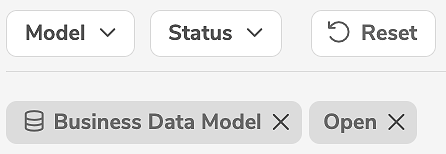
The selected filters are displayed as tiles below the dropdown lists:
Advanced discussion search
The advanced discussion search can be turned on and off by clicking on the following button:

The advanced discussion search allows multiple search conditions to be defined. For example, to display all discussions for which
Date of changeis after08/15/2022,- and the discussion is
closed:

In contrast to the normal discussion search, in which only a few selected filters are available, arbitrary search conditions can be defined in the advanced discussion search. When the advanced discussion search is activated, the previously selected filters are automatically applied as search conditions in the advanced discussion search.
- Clicking on "+" adds a new search condition.
- Clicking on "-" deletes a search condition.
- Clicking on "Reset" deletes all search conditions.
- Clicking on "Search" displays the found discussions.
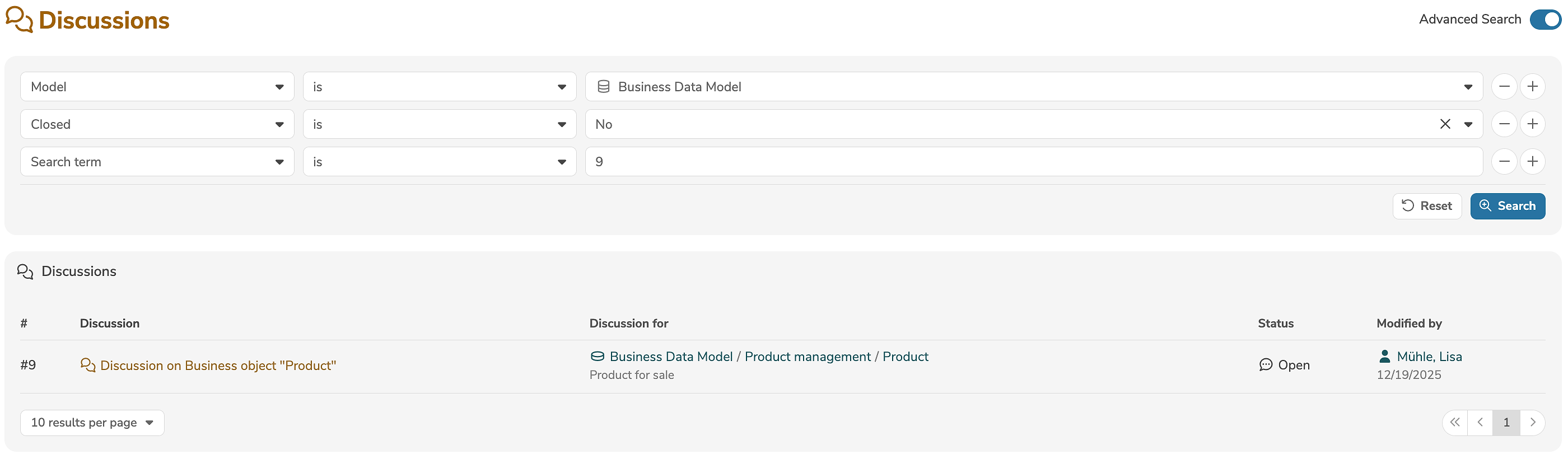
The search result only contains discussions that satisfy all search conditions, i.e. the search conditions are logically conjuncted with AND.
Each search condition evaluates a property of a discussion. The property can be selected in the first dropdown list.
The search operator and the value (or pattern), with which the property is to be evaluated, must be specified. Depending on the property, different search operators are available:
| Search operator | Description |
|---|---|
| is | Evaluates if the property is equal to the value. |
| is not | Evaluates if the property is not equal to the value. |
| greater than | Evaluates if the property is greater than the value. |
| less than | Evaluates if the property is less than the value. |
The following special properties are also available:
| Property | Value range | Description |
|---|---|---|
| Search term | Text | Corresponds to the search field (full-text search) of the normal discussion search. |
| Discussion for | UUID | Evaluates the UUID of the associated asset. |
| Model | Models | Evaluates if the associated asset is in a specific model. |
| Closed | Yes/No | Evaluates if the discussion is closed. |
| Ticket number | Number | Evaluates the ticket number. |
| Date of change | Date | Evaluates the date on which the discussion was last modified. |
| Modified by | Login ID | Evaluates the user who last modified the discussion. |
| Triggered by | Login ID | Evaluates the user who triggered the discussion. |
| Id | UUID | Evaluates the UUID of the discussion. |