Measurements
A measurement is an actually performed verification of an indicator. The measurement is based on the measurement type of the indicator and is stored directly with the respective indicator. The measurement is performed on a specific measurement date and system or dataset.
Add measurements
Measurements are specified in a quality model in the subpanel of an indicator.

A new measurement is added by clicking the tab "Measurements" and the icon "+" (or by selecting "Add Measurement..." in the menu).
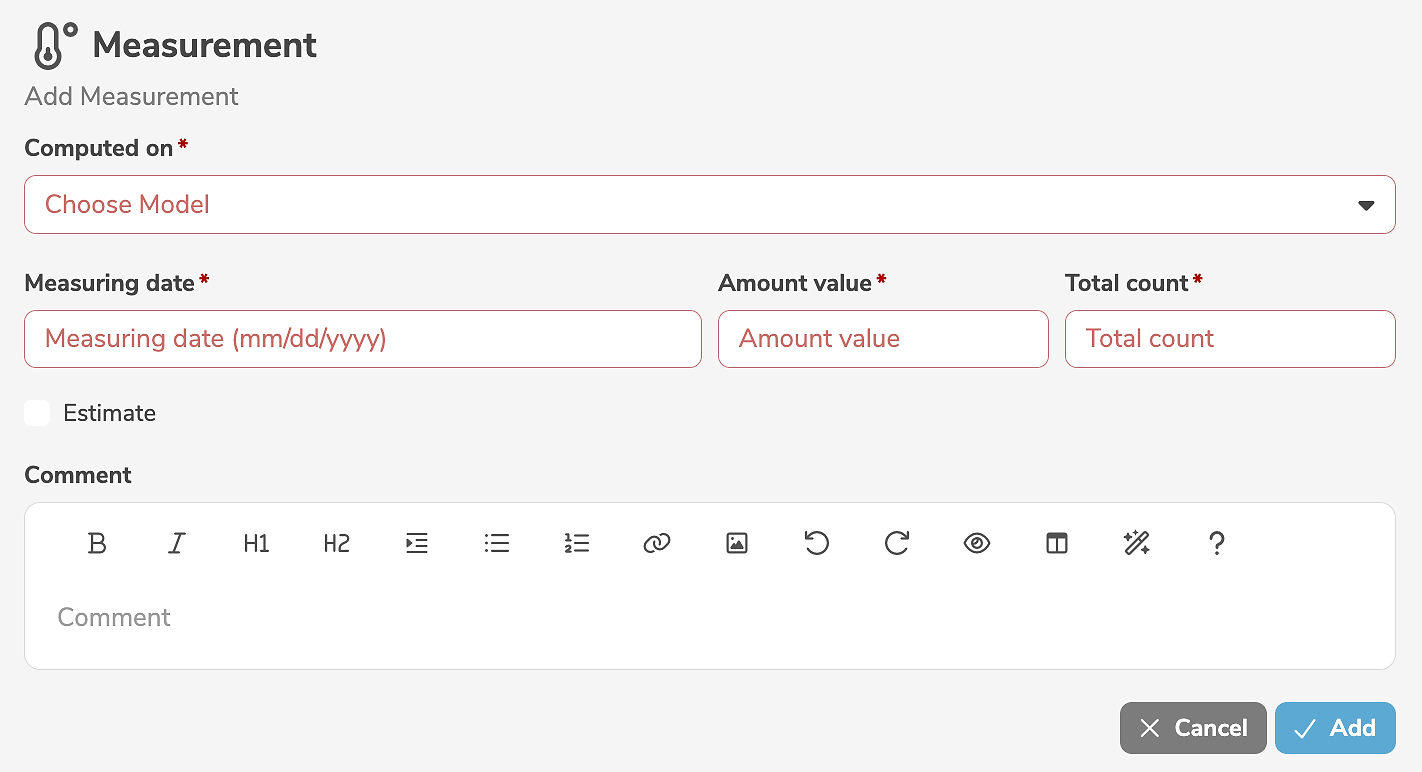
It is mandatory to select a measurement date and a system or dataset. The mandatory measurement result depends on the measurement type of the respective indicator. The measured value may be declared to be an estimation, if required, and a comment can be entered, to document additional information regarding the measurement.
Clicking "Add" creates the measurement.
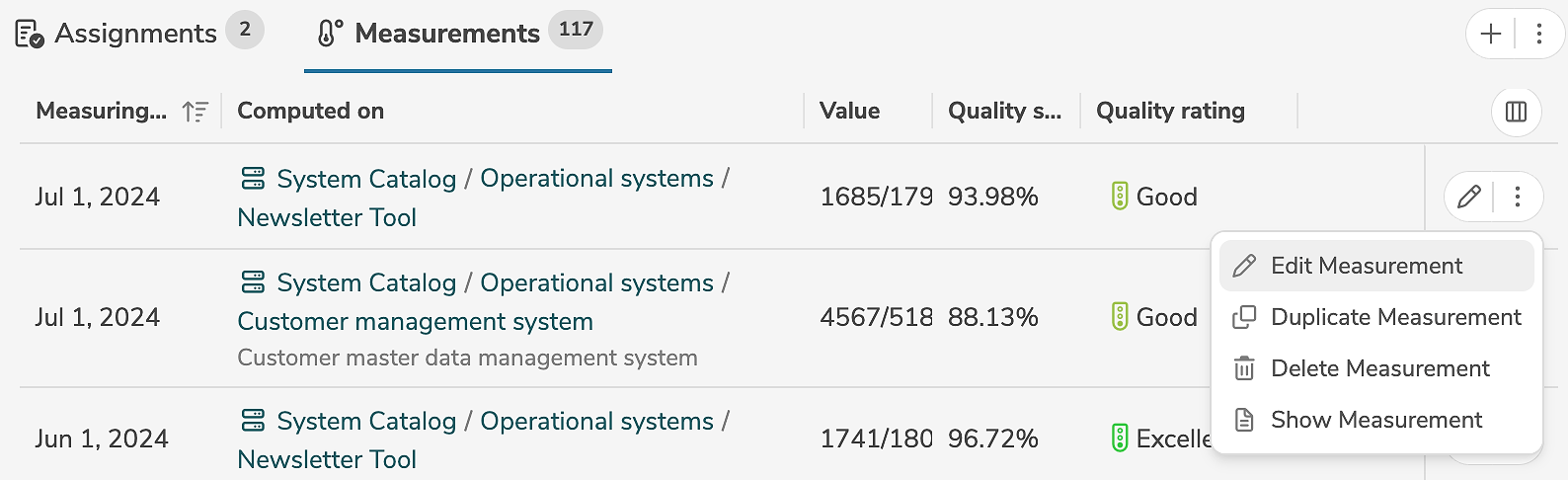
Measurements can also be created by duplicating other measurements.
Edit measurements
A measurement is edited in the subpanel of the indicator, by clicking the edit icon (or by selecting "Edit Measurement" in the menu) next to the measurement.
The edit mode allows the modification of the input fields.
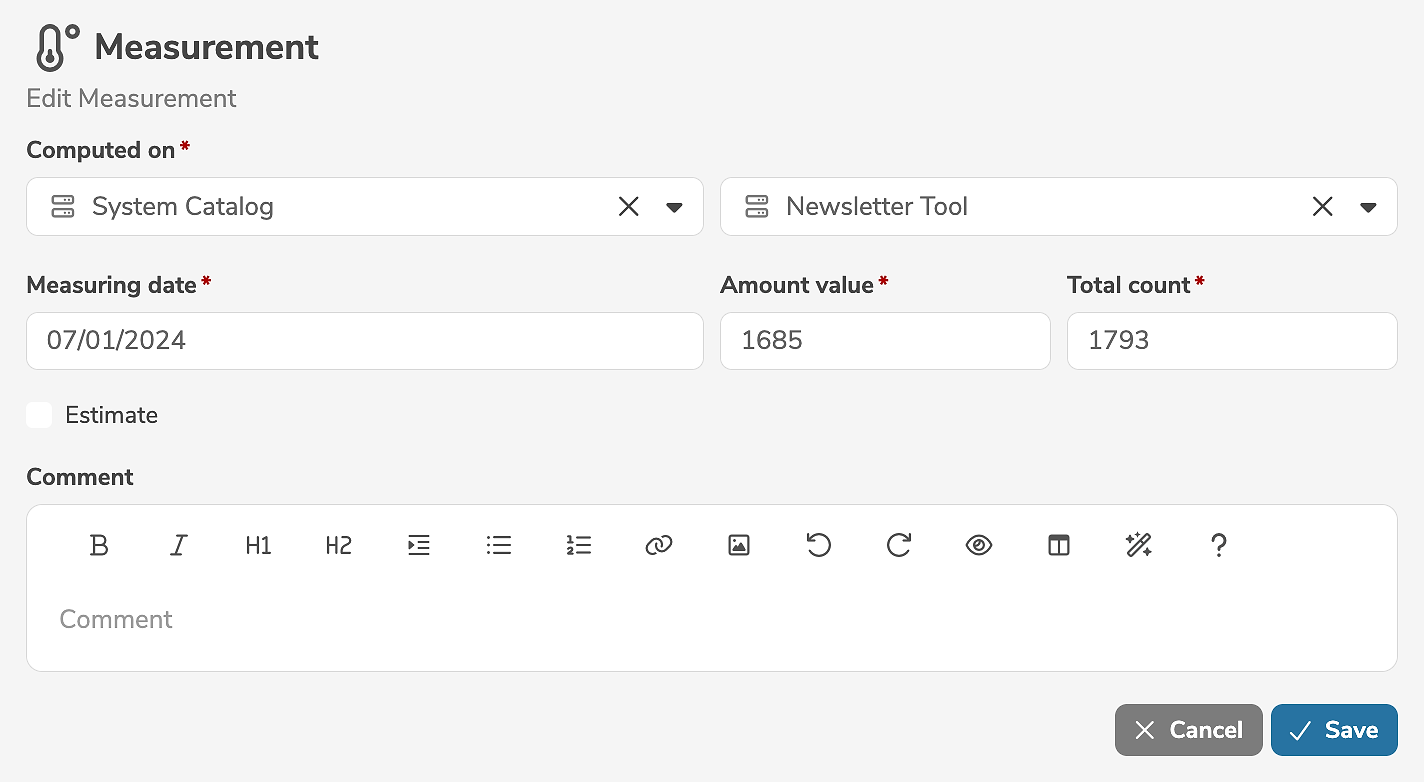
In the dialog customer-specific properties can also be specified.
Clicking "Save" applies the changes.
A measurement can be deleted in the subpanel of the indicator, by selecting "Delete Measurement" in the menu next to the measurement.